

Blue Screen of Death — online tool
Professional full-screen tool for monitor setup and testing. Use it for dead pixel detection, color calibration, or as a soft light source.

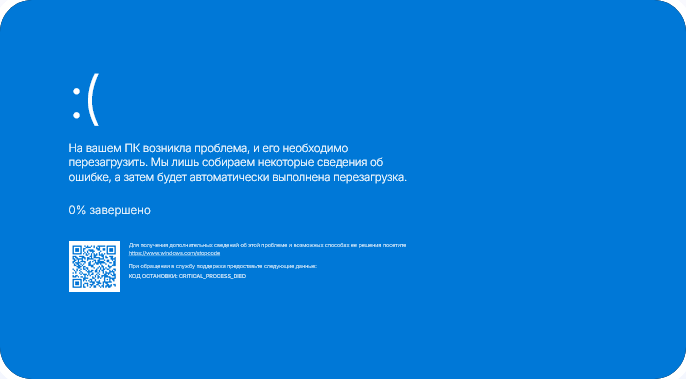
For more information about this issue and possible fixes, visithttps://www.windows.com/stopcode
If you call a support person, give them this info:Stop code: SESSION1_INITIALIZATION_FAILED
Professional full-screen tool for monitor setup and testing. Use it for dead pixel detection, color calibration, or as a soft light source.
Use the control panel on the right to change the display parameters of the Blue Screen of Death.
All changes are applied instantly in the preview window at the center of the screen.
Click the 'Expand' button to put the Blue Screen of Death in full-screen mode for maximum immersion.
Screen.Viktoor works in any modern browser. Use it on PC, tablet, or smartphone without downloading apps.
Try other categories of tools available on our service.