

macOS Update — online tool
Professional full-screen tool for monitor setup and testing. Use it for dead pixel detection, color calibration, or as a soft light source.
Professional full-screen tool for monitor setup and testing. Use it for dead pixel detection, color calibration, or as a soft light source.
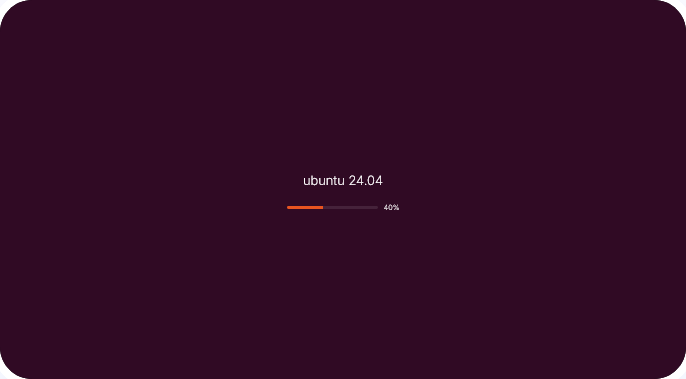
Choose the desired OS version (Windows or macOS) and set the starting completion percentage.
Set the time it takes for progress to reach 100% to make the simulation look as realistic as possible.
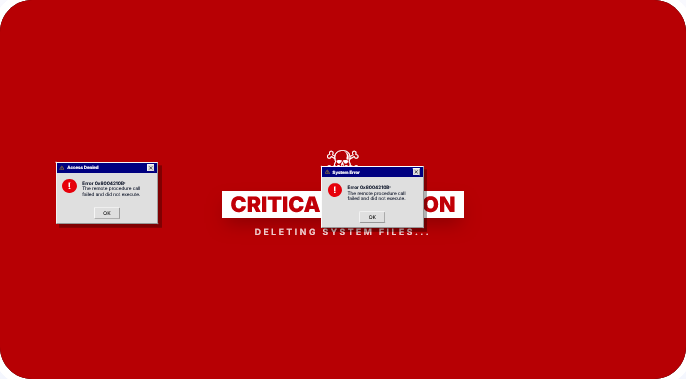
Go full screen and leave the computer. Perfect for harmless pranks on friends or colleagues.
Screen.Viktoor works in any modern browser. Use it on PC, tablet, or smartphone without downloading apps.
Try other categories of tools available on our service.